Streets Of Rage 2 Cheats Useful Codes And Gameplay Secrets
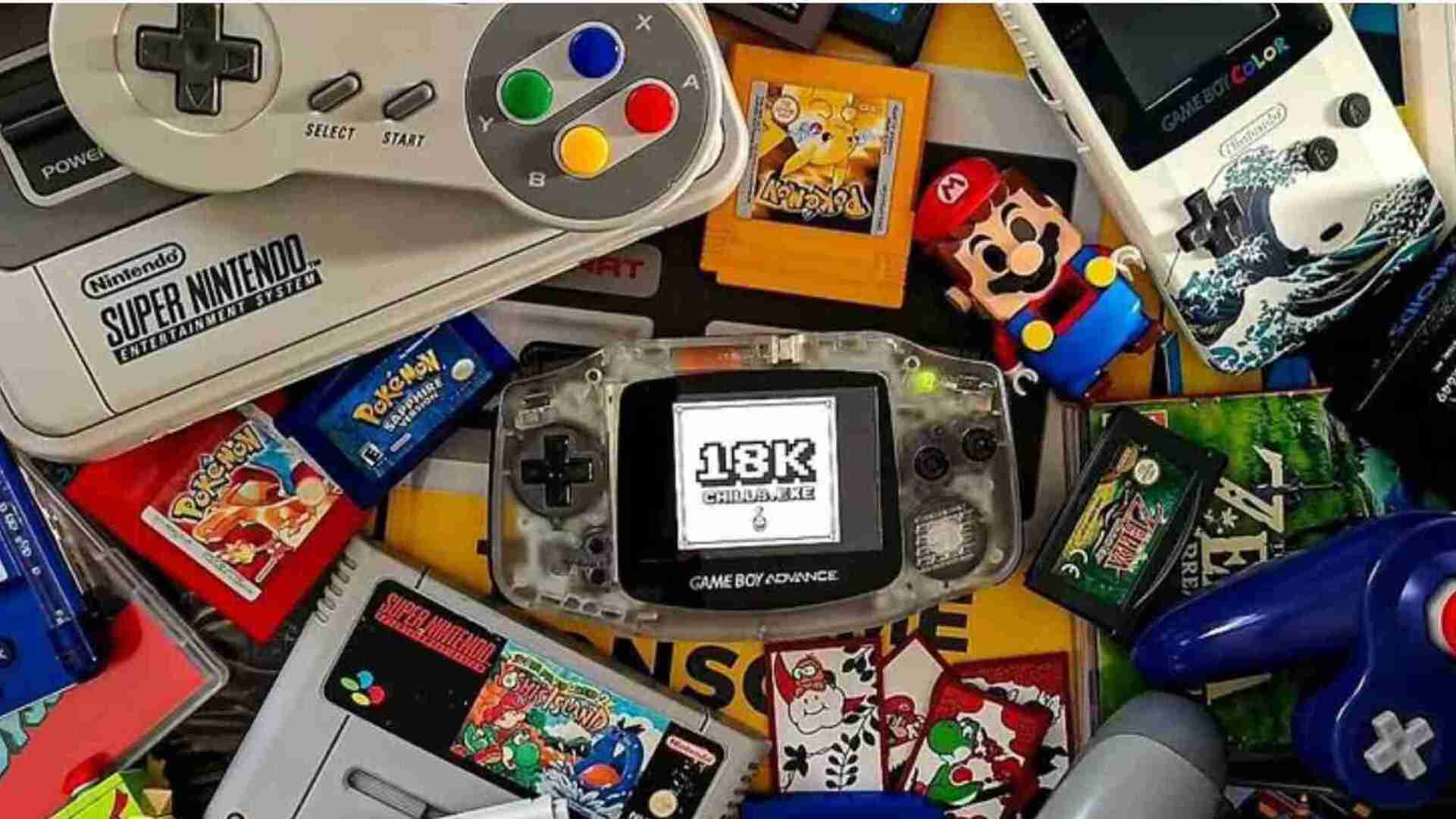
Sega's iconic beat 'em up Streets of Rage 2 remains a masterpiece of the 16-bit era, celebrated for its fluid combat, memorable soundtrack, and challenging brawls. While mastering timing and character moves is key to beating Mr. X, built-in cheat codes and hidden mechanics allow players to customize their arcade experience. Whether you want extra lives, level selects, or secret character interactions, understanding these options offers a fresh way to enjoy this classic title.
The most famous code in Streets of Rage 2 grants access to an expanded options menu filled with gameplay tweaks. To activate it, highlight Options on the main title screen using the second controller while holding A and B on controller one, then press Start. This menu allows players to increase starting lives up to nine, choose starting stages, and adjust difficulty levels beyond standard settings.
Using this extra menu is ideal for practice runs or for casual gamers who want to experience the later stages without running out of continues. Staying informed on retrogaming tricks through daily gaming news keeps classic titles engaging for modern audiences. Taking advantage of these adjustments helps players learn enemy attack patterns without restarting from stage one.
By default, two-player mode forces players to pick different heroes from the main roster. However, a simple button combination on the character selection screen lets both players choose identical fighters like Axel or Blaze. Holding specific button combinations on both controllers simultaneously overrides the standard lockout and unlocks new team dynamics.
In addition to character duplicates, certain region-specific versions of the game feature direct level select combinations right from the title screen. Holding Down, B, and Start on controller two while turning on the console opens immediate stage selection options. These options offer quick access to late-game areas like the Syndicate Stronghold or Mr. X's sanctuary.
Beyond menu codes, Streets of Rage 2 features several unlisted gameplay mechanics that give players a major tactical edge. Executing a blitz move requires pressing forward twice followed by the attack button, delivering heavy damage without consuming player health. Managing special attacks carefully is crucial because defensive specials sacrifice a small portion of health in exchange for temporary invincibility frames.
Another vital secret involves weapon retention and item usage scattered across each environment. Breaking open breakable objects like trash cans, barrels, and telephone booths frequently reveals extra health items or high-yield points pickups. Learning how to throw enemies into incoming hazards or using invincible recovery rolls helps maintain control during chaotic crowd encounters.
How To Get Free PSN Gift Cards Safely And Avoid Scams
PlayStation Network gift cards are a popular way for gamers to purchase digital games, downloadable content, and PlayStation Plus subscriptions without directly linking a credit card. Because these digital vouchers hold real financial value, seeking ways to acquire them without spending extra cash is common among players worldwide. However, the online space surrounding digital currency is heavily targeted by fraudsters, making caution essential when searching for genuine opportunities.
Official reward platforms offer the safest path toward acquiring digital gift cards by completing tasks like surveys, watching short videos, or testing applications. Microsoft Rewards and Sony's own PlayStation Stars initiative provide legitimate point-based systems that gradually convert your activity into real rewards. Gamers who keep up with daily gaming news often find announcements regarding official promotional events that feature voucher giveaways.
Established survey panels such as Swagbucks, InboxDollars, and PrizeRebel also feature digital PlayStation gift codes in their reward catalogs. While these methods require dedicated effort over time, they guarantee valid redemptions without placing your private account details at risk. Consistently utilizing trusted services guarantees that your personal information remains safe throughout the earning process.
Websites claiming to feature automated PSN code generators are universally malicious scams designed to steal user data or infect devices. These web pages typically ask users to complete endless survey loops or download suspicious software under the pretense of unlocking full code strings. Algorithm-based code generators simply do not exist because PlayStation voucher codes are activated exclusively at the point of sale by authorized retailers.
Phishing schemes are another widespread danger, frequently operating through fake social media profiles or fraudulent email notifications. Scammers often post fake giveaways demanding login credentials, personal passwords, or verification payments upfront. Legitimate companies and authentic content creators will never ask for your account credentials to send a prize.
Maintaining security on your console profile is crucial when interacting with online gaming promotions and reward platforms. Activating two-factor authentication adds a essential protection layer that prevents unauthorized access even if your credentials become compromised elsewhere. Always create unique, strong passwords for your primary Sony account rather than reusing passwords across multiple platforms.
Additionally, exercise extreme caution whenever third-party applications request access to your gaming profile or personal data. Never enter your PlayStation Network credentials into any website that is not an official Sony domain. Verifying web addresses carefully in your browser bar helps prevent accidental submission of sensitive details on lookalike phishing pages.
When you successfully receive a digital voucher from a legitimate source, redeem the code directly inside the PlayStation Store as soon as possible. Applying funds immediately ensures the balance stays safe within your digital wallet, preventing potential expiration or theft. You can easily redeem your code via the PlayStation console interface, official mobile app, or main website store.
By sticking to established reward platforms and maintaining realistic expectations, acquiring digital wallet credit safely is completely achievable. Avoid shortcuts that promise instant money with zero effort, as these almost always lead to compromised accounts or malicious downloads. Informed gaming habits allow you to enjoy free rewards without ever risking your digital profile.

why won't my playstation 5 turn on Possible Causes And Solutions To Try
Few things are more frustrating for a gamer than pressing the power button on a PlayStation 5 only to be met with complete silence or an unresponsive console. Whether the system refuses to beep, powers off instantly, or gets stuck in an infinite boot loop, power failure issues are surprisingly common. Following daily gaming news can keep players informed about recent system software updates and hardware revisions that address performance stability. Understanding the root causes of these power glitches helps players troubleshoot effectively before considering expensive repairs.
The most basic reason a PlayStation 5 will not turn on relates to power delivery disruptions between the wall outlet and the console. A loose power cable, damaged cord, or tripped surge protector can easily prevent electricity from reaching the internal power supply unit. Inspecting the cable connections on both ends ensures that the system receives a steady stream of power without interruption.
Trying a different wall socket or connecting another electronic device to the same outlet helps isolate potential electrical issues in your home. If you use a power strip, bypass it temporarily by plugging the console directly into an active wall receptacle. Replacing a faulty AC power cord is often an inexpensive fix that resolves total power failure.
The PlayStation 5 features advanced thermal management designed to shut down the hardware automatically if internal temperatures reach unsafe levels. Heavy dust buildup inside the cooling fan or vents can restrict airflow and force thermal safety cutoffs. If your console turns off abruptly during intense gameplay and refuses to turn back on immediately, high heat is likely responsible.
Allowing the system to cool down completely for at least thirty minutes gives thermal components time to reset. Carefully removing the outer plastic side plates allows users to vacuum dust out of designated catchers without breaking hardware seals. Maintaining clean airflow around the console prevents sudden power cuts and prolongs component lifespan.
Corrupted system software or failed background updates can prevent the PlayStation 5 from loading its operating system normally. Accessing Safe Mode allows users to diagnose software errors, clear system cache, or rebuild the console database. This environment bypasses primary boot sequences to run essential recovery routines.
To enter Safe Mode, hold down the power button on the front panel until you hear a second beep after seven seconds. Connect your DualSense controller using a USB cable to navigate the onscreen recovery menu safely. Selecting options like Clear Cache and Rebuild Database frequently restores proper startup functionality without losing saved data.
Persistent power issues that remain unresolved after basic troubleshooting often point to internal hardware degradation. A blown fuse within the internal power supply module or motherboard component damage requires specialized repair. Attempting complex internal repairs without technical experience can void existing manufacturer warranties.
If your PS5 shows no lights, sounds, or response despite trying different cables and outlets, contacting official support is recommended. PlayStation support agents can assist with official repair requests or unit replacements under warranty terms. Professional inspection ensures the underlying hardware fault is diagnosed and repaired safely.
Best Gaming Websites in The World